Portfolio Dashboard
Internal admin dashboard for heymuneeb.dev. Built to manage every piece of content on the portfolio — projects, reviews, stats, FAQs, inbox, and site config — without touching code or a database GUI.
The problem
My portfolio site had no admin layer. Every content update — adding a project, editing a review, toggling a publish state — meant opening Supabase Studio or pushing code. I needed a self-serve dashboard that let me manage all content types from one place, fast.
What I built
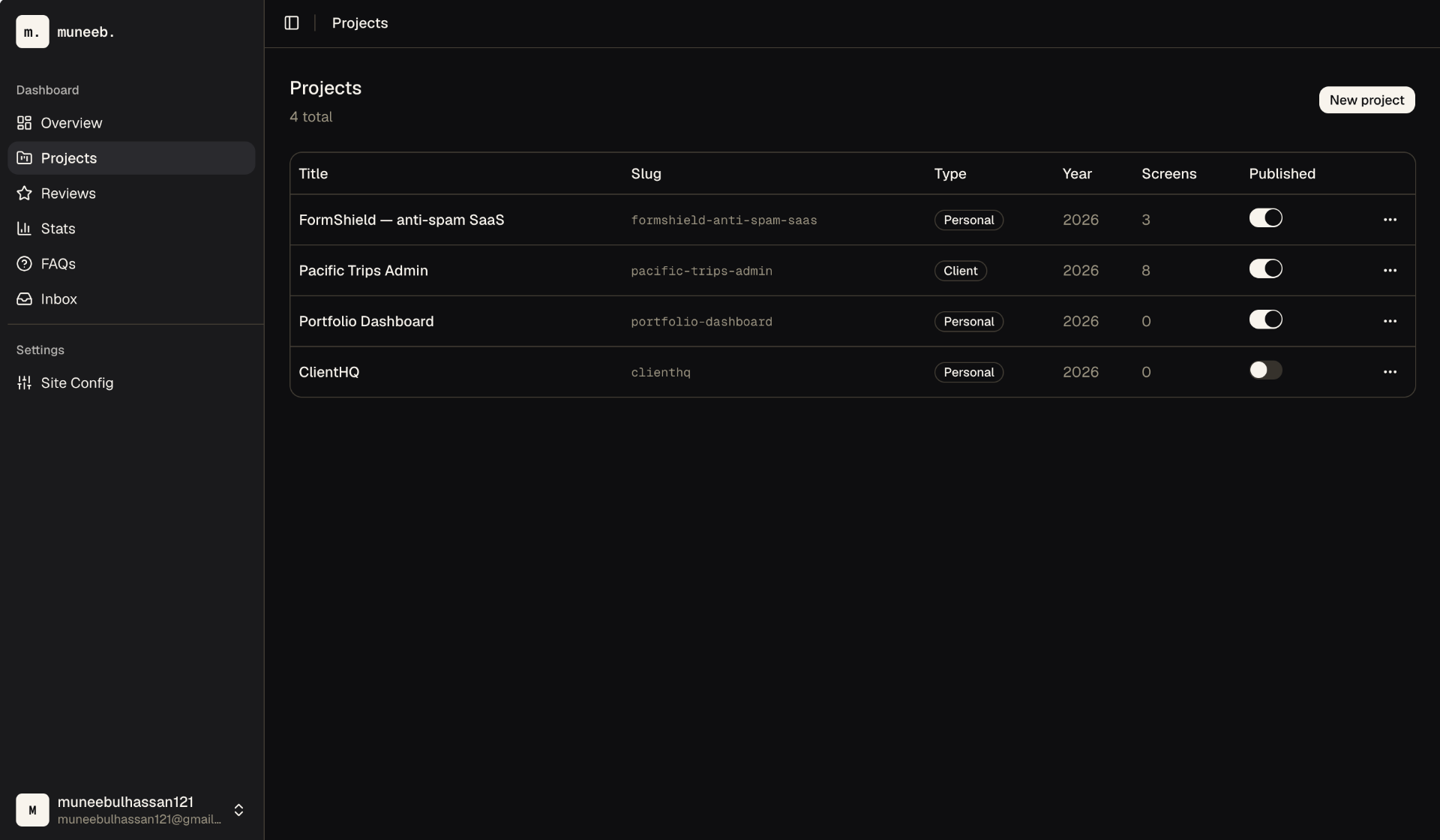
I built a feature-sliced Next.js 16 dashboard on Supabase with server actions, optimistic UI, and a shared design system pulled from the portfolio site itself. Every content type on heymuneeb.dev has a dedicated module with full CRUD.
- Auth & route guard
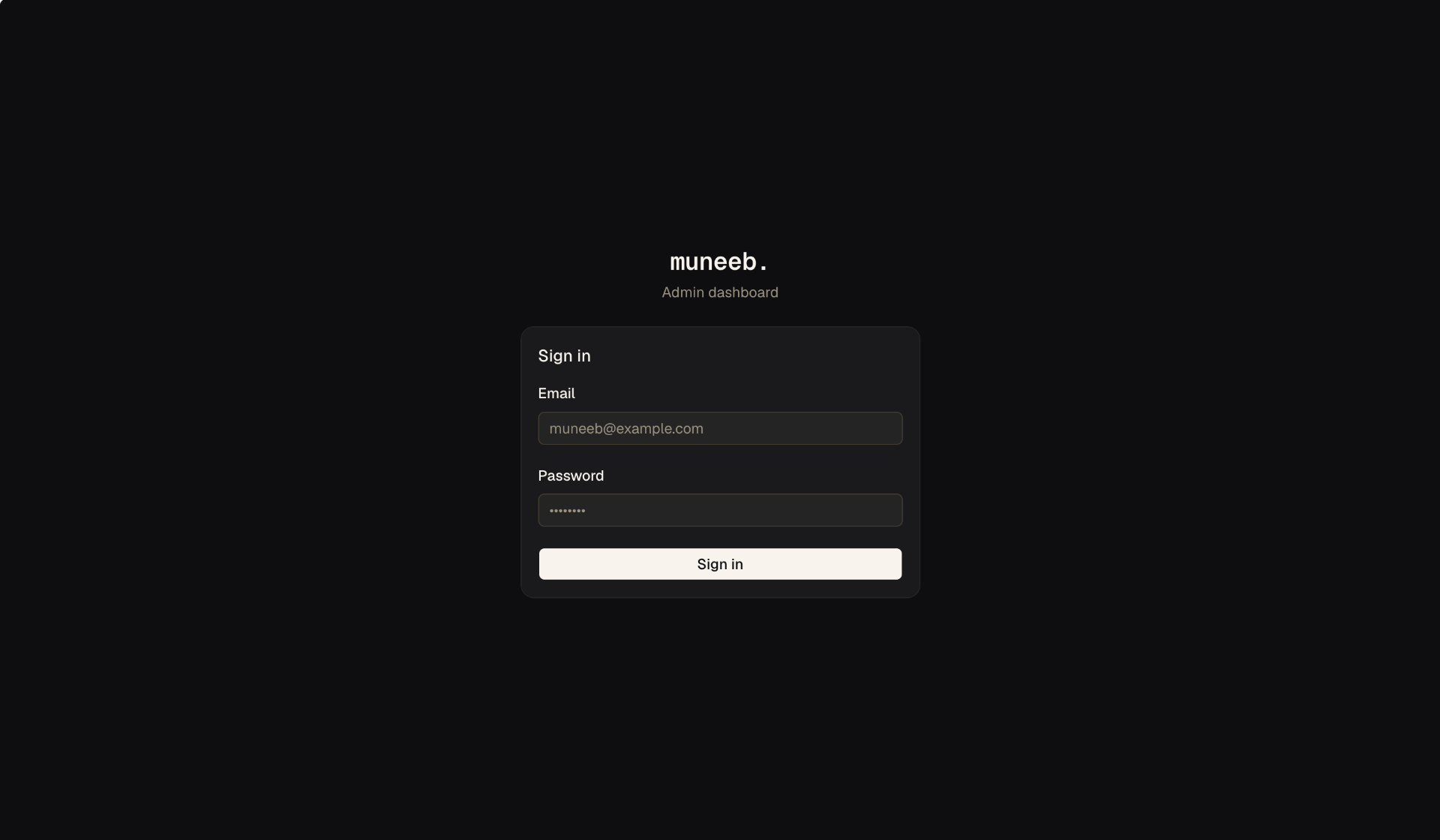
Supabase SSR auth with a Next.js 16 proxy-based guard. Blocks unauthenticated access and enforces allowed hostname to prevent access via raw Vercel URL.
- Projects with case study editor
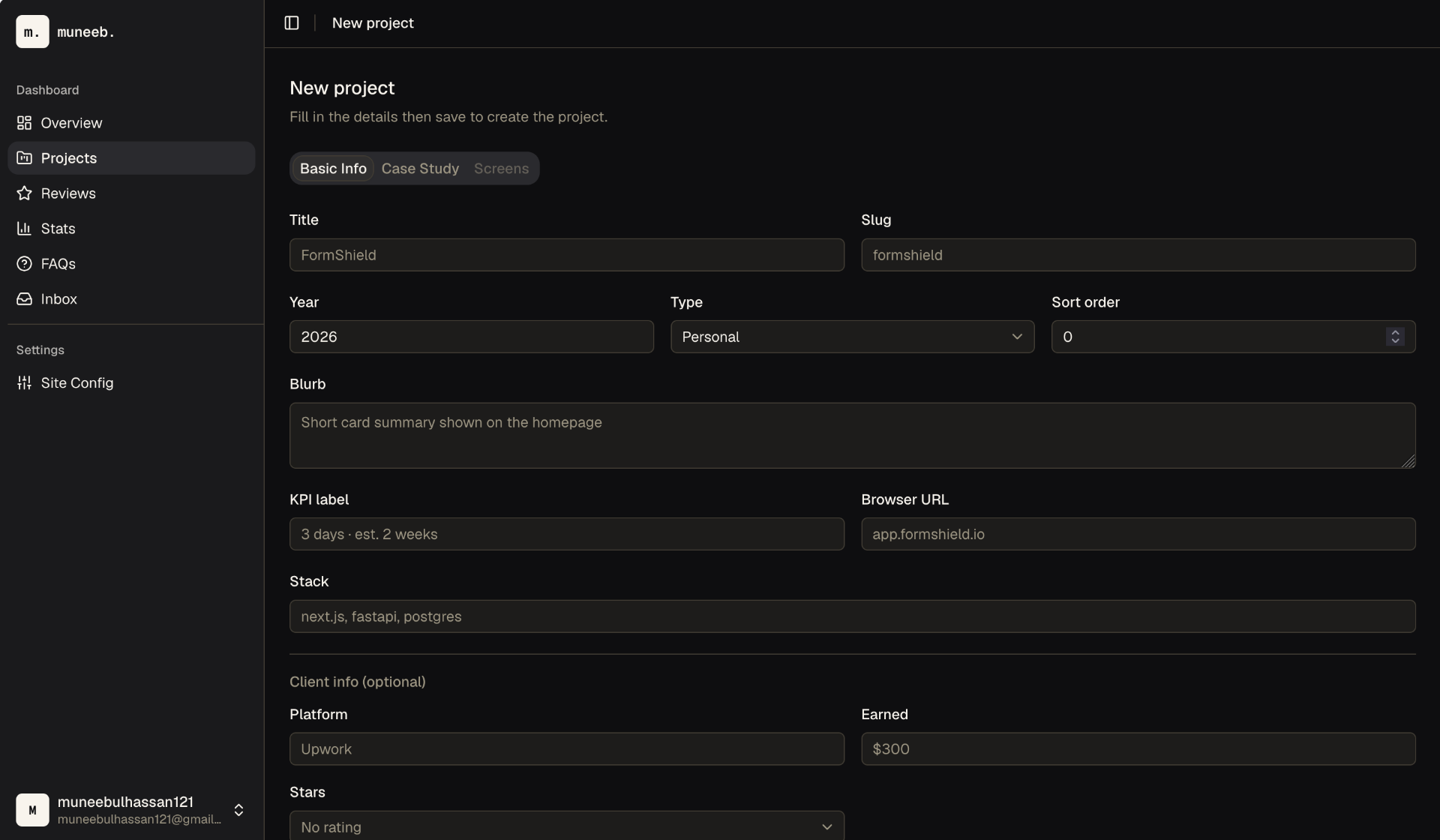
Full project CRUD with JSONB array editors for built_items, timeline, and kpi_stats. Inline screens gallery with drag-to-reorder.
- Screen image pipeline
Client-side WebP compression (max 1920px, 0.5MB), upload to Supabase Storage, and automatic blur data URL generation for progressive loading.
- Content modules
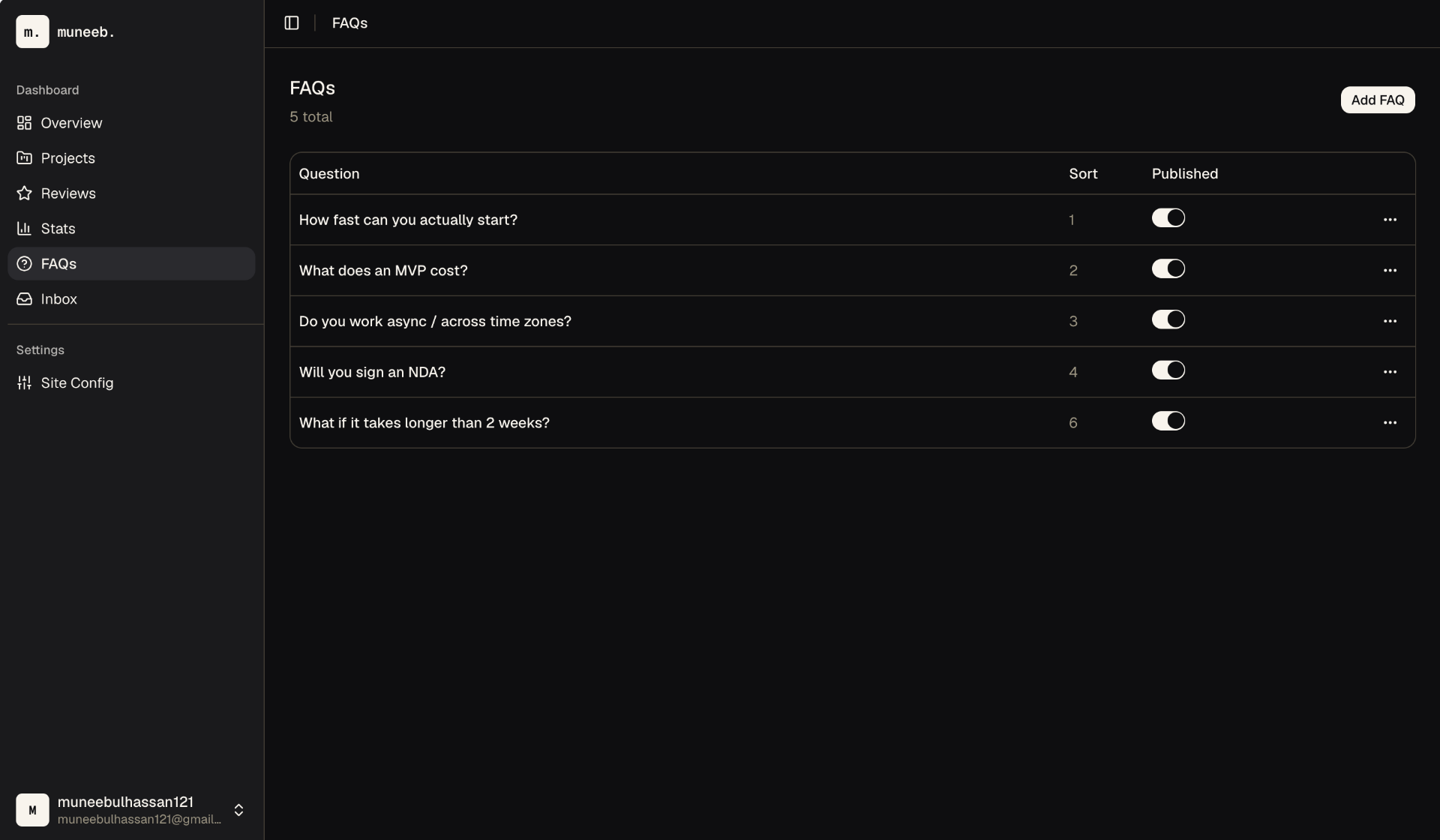
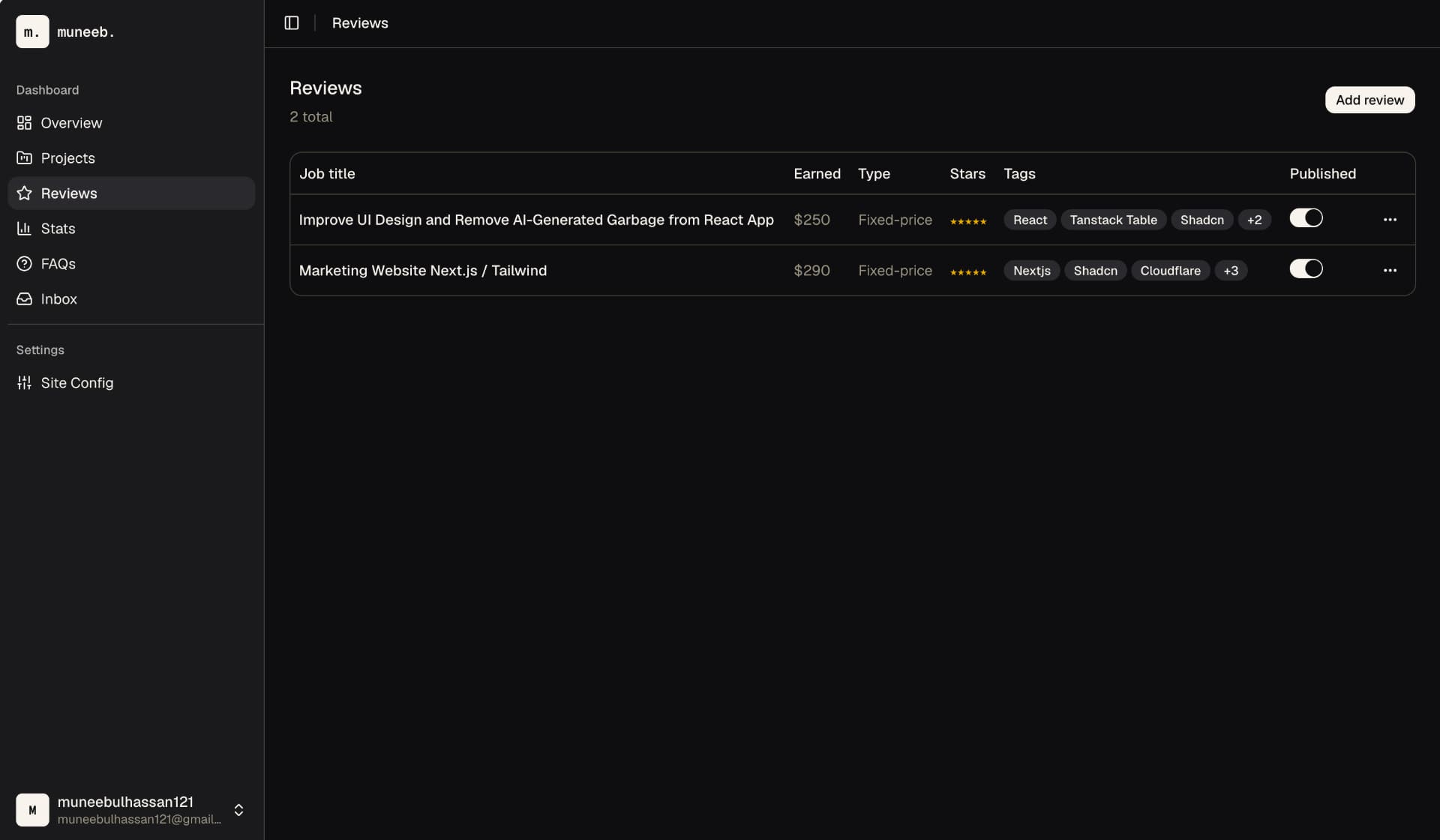
Reviews, stats, and FAQs — each with dedicated forms, tables, server actions, and publish toggles sharing the same optimistic UI pattern.
- Contact inbox
Read/unread toggle with optimistic state flip, detail view, and delete — all via server actions with revalidation. Unread count badge in sidebar.
- Site config editor
Single-form editor for site-wide metadata, social links, and settings stored in a site_config singleton row.
- Design system integration
Brand tokens (Paper, Ink, Orange, Stone) imported from the portfolio site CSS. Light and dark themes. 24 shadcn components audited to match the brand.
The result
I can now manage every piece of content on heymuneeb.dev from a single dashboard — create projects with full case studies, upload compressed screen images with blur placeholders, handle contact submissions, and toggle publish states, all without opening a database GUI.